
Available for macOS, iOS & Android
NetJolt
A lightweight, resource-efficient app for monitoring WiFi connections, network latency, and connection health across all your devices.
A lightweight, resource-efficient app for monitoring WiFi connections, network latency, and connection health across all your devices.
Interface
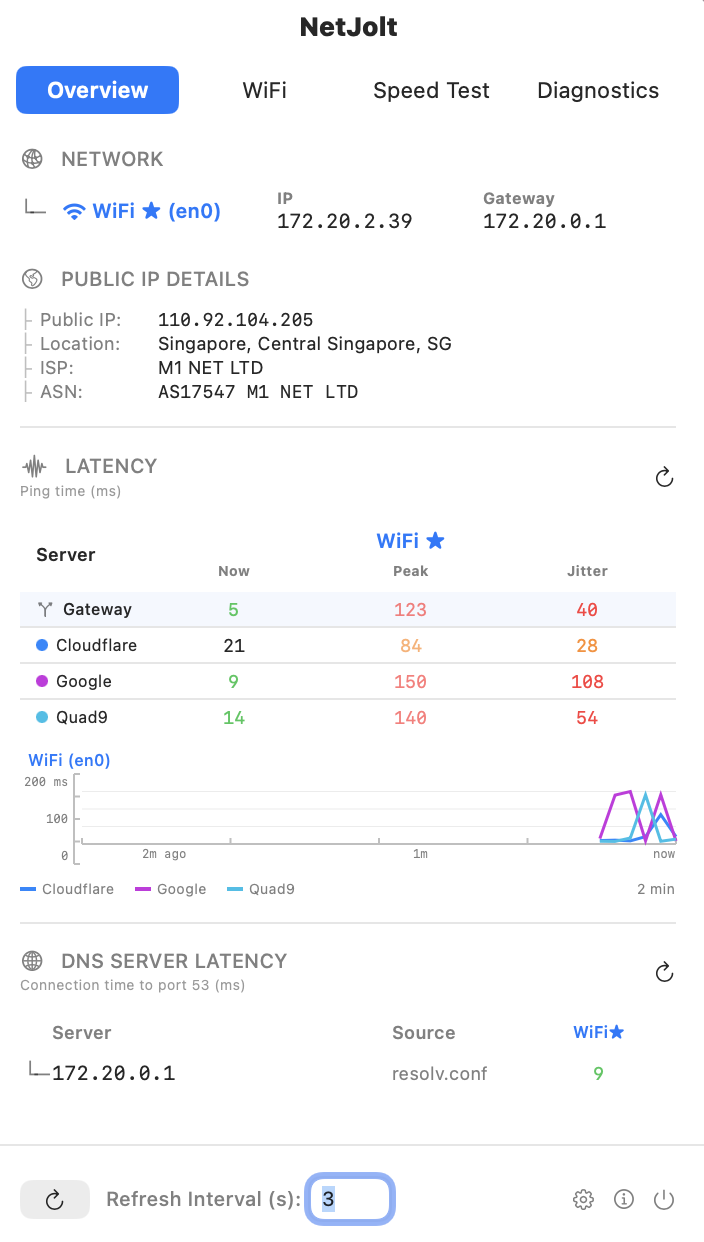
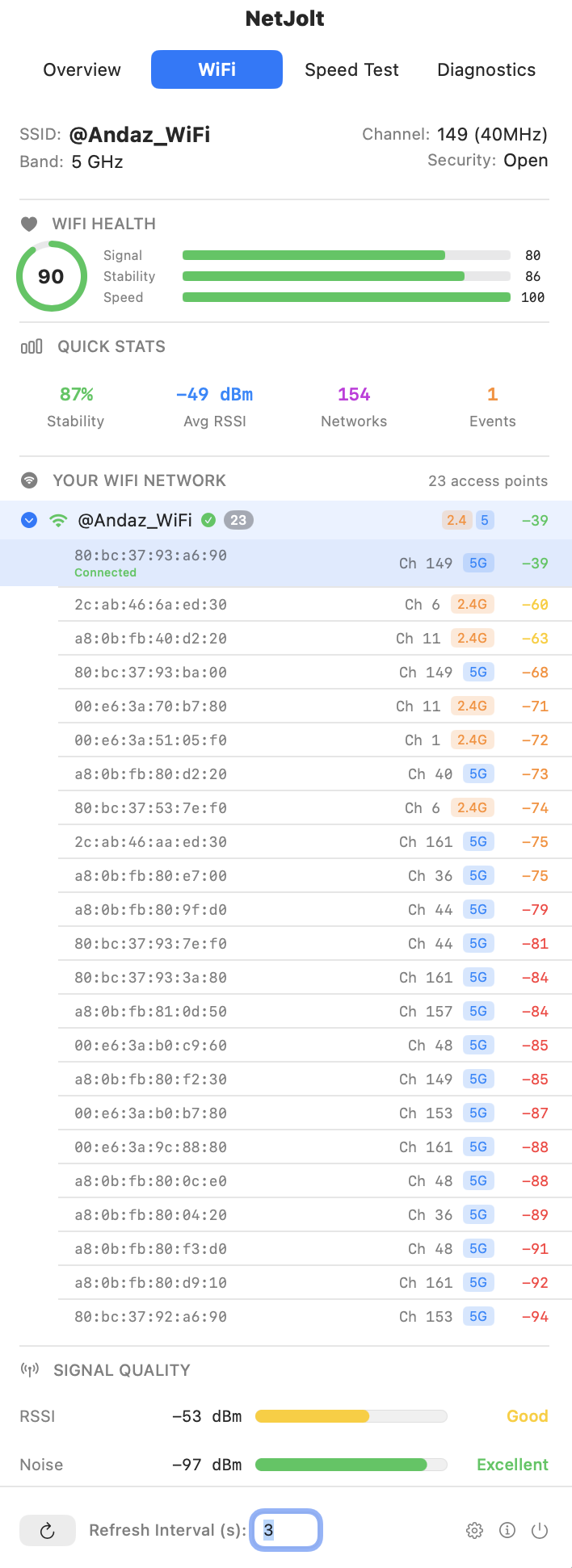
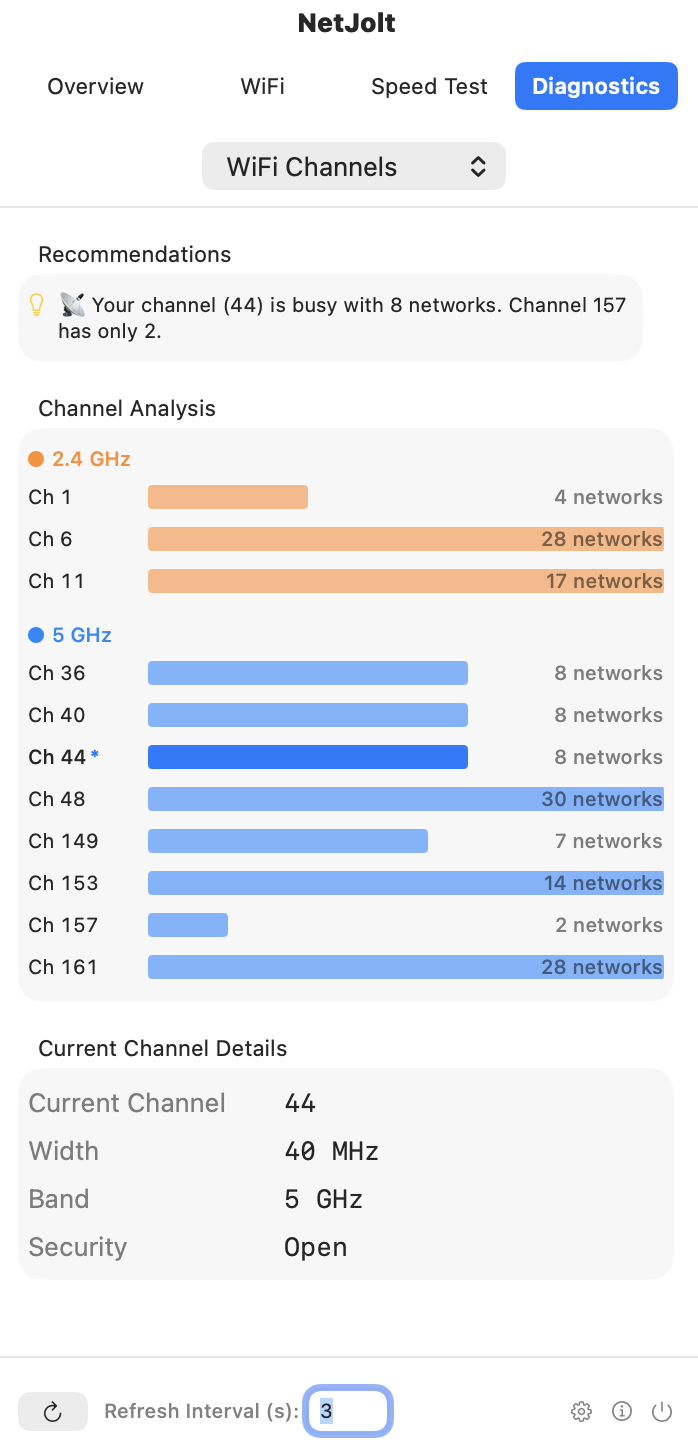
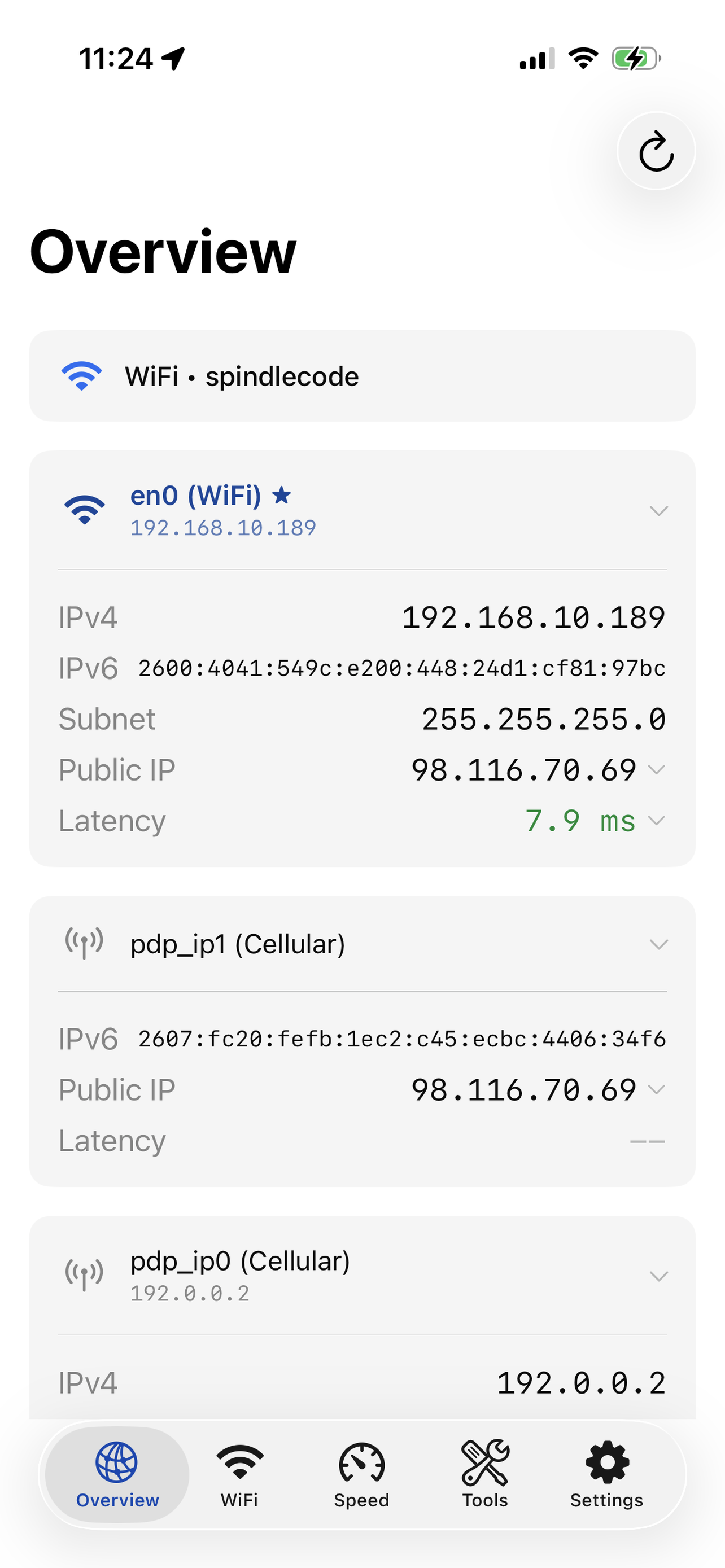
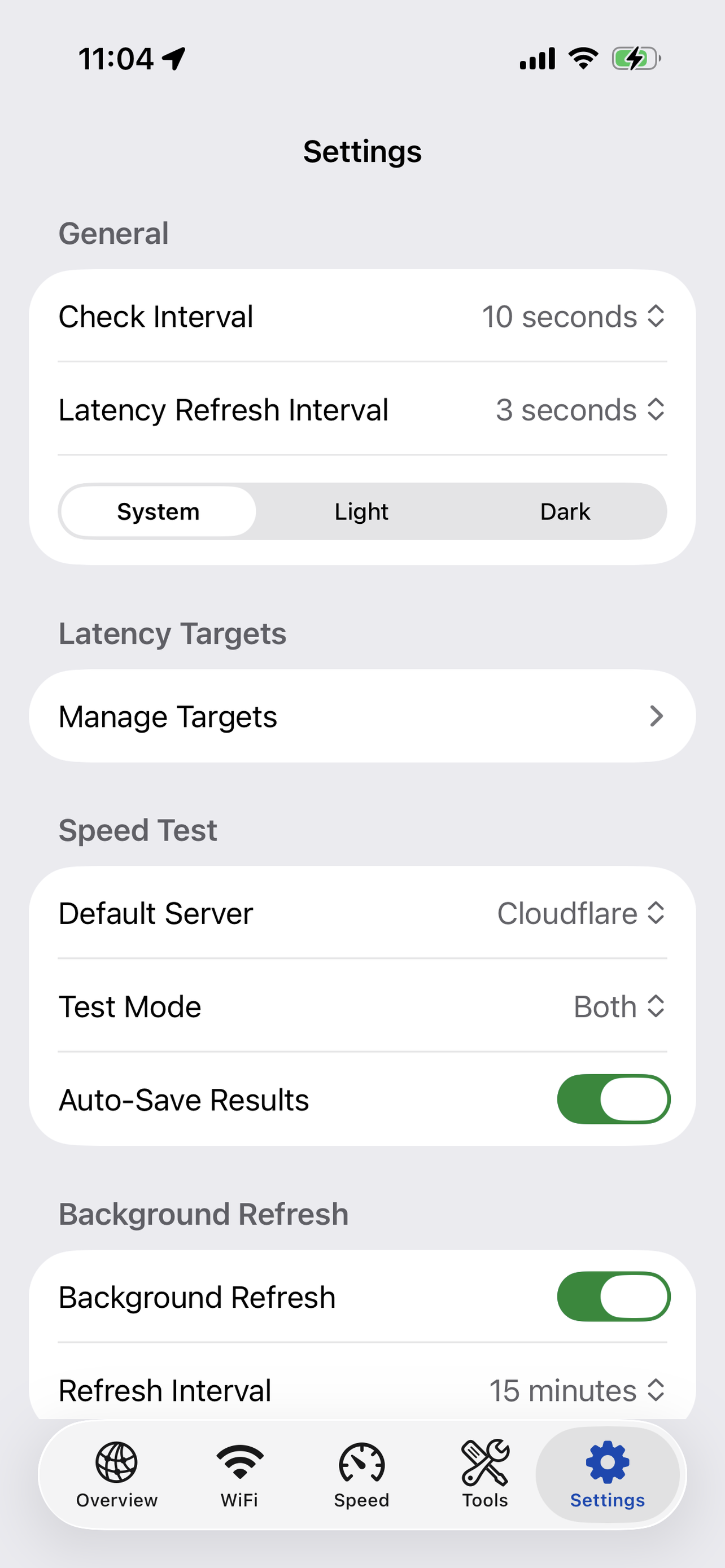
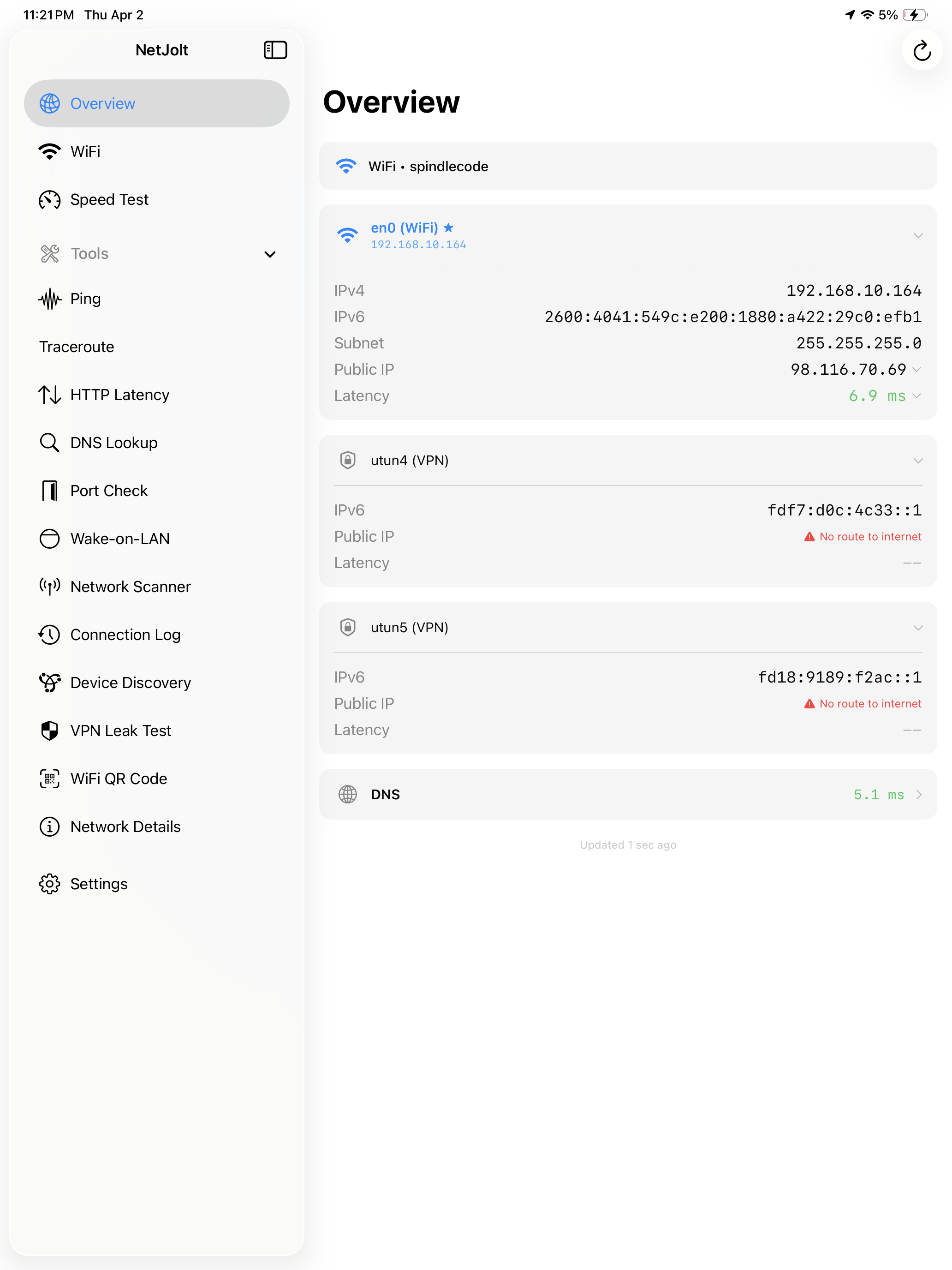
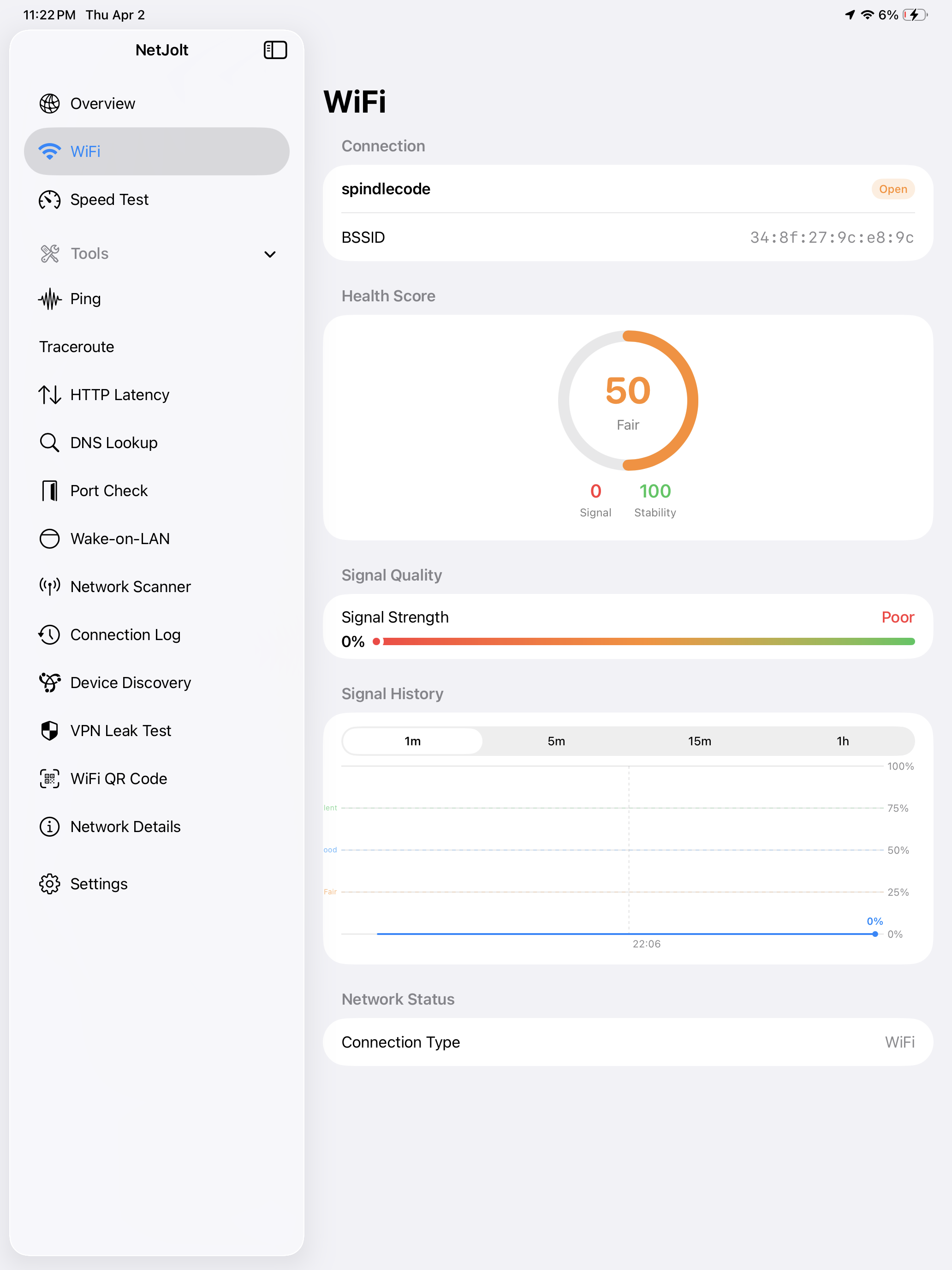
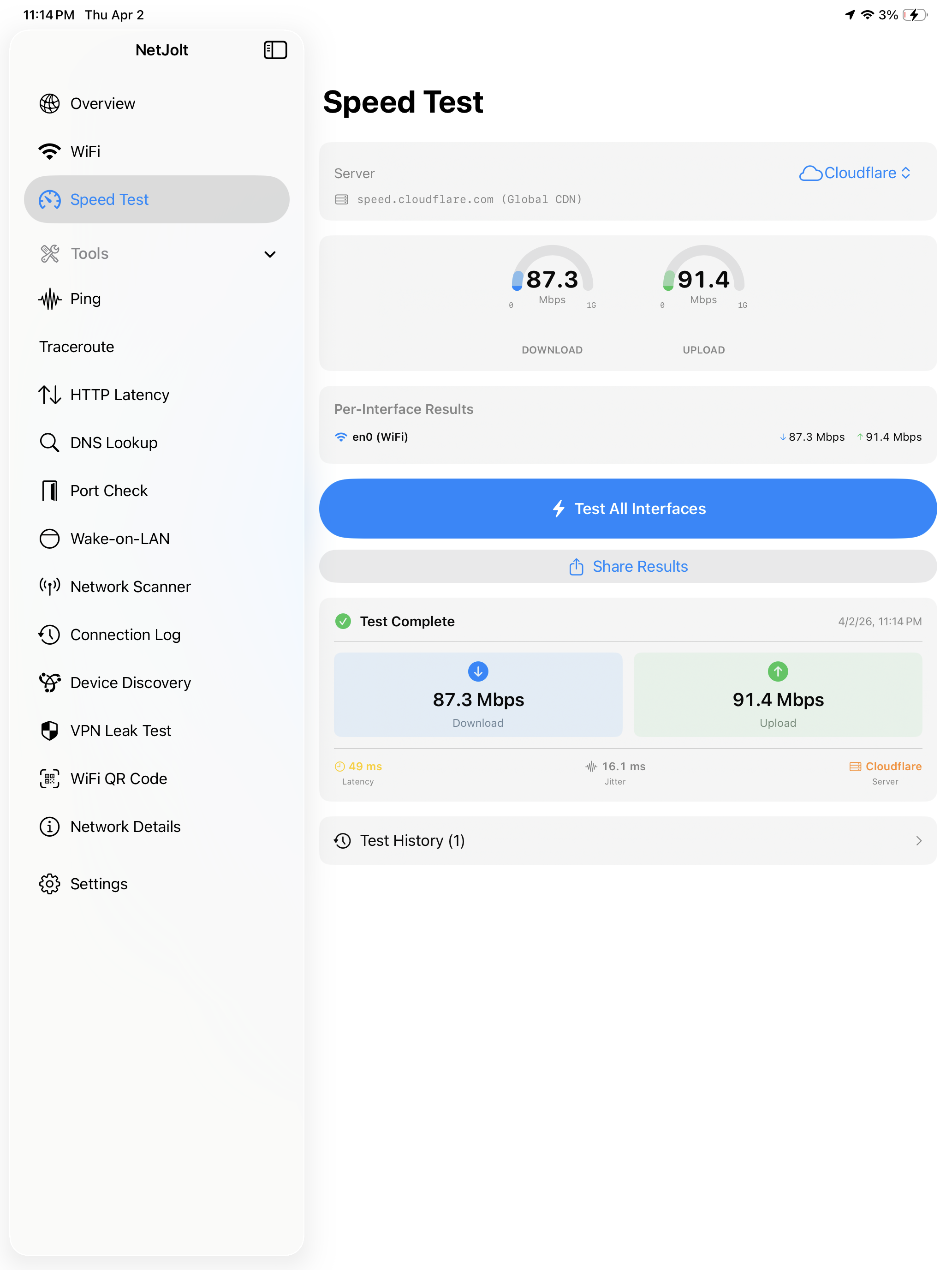
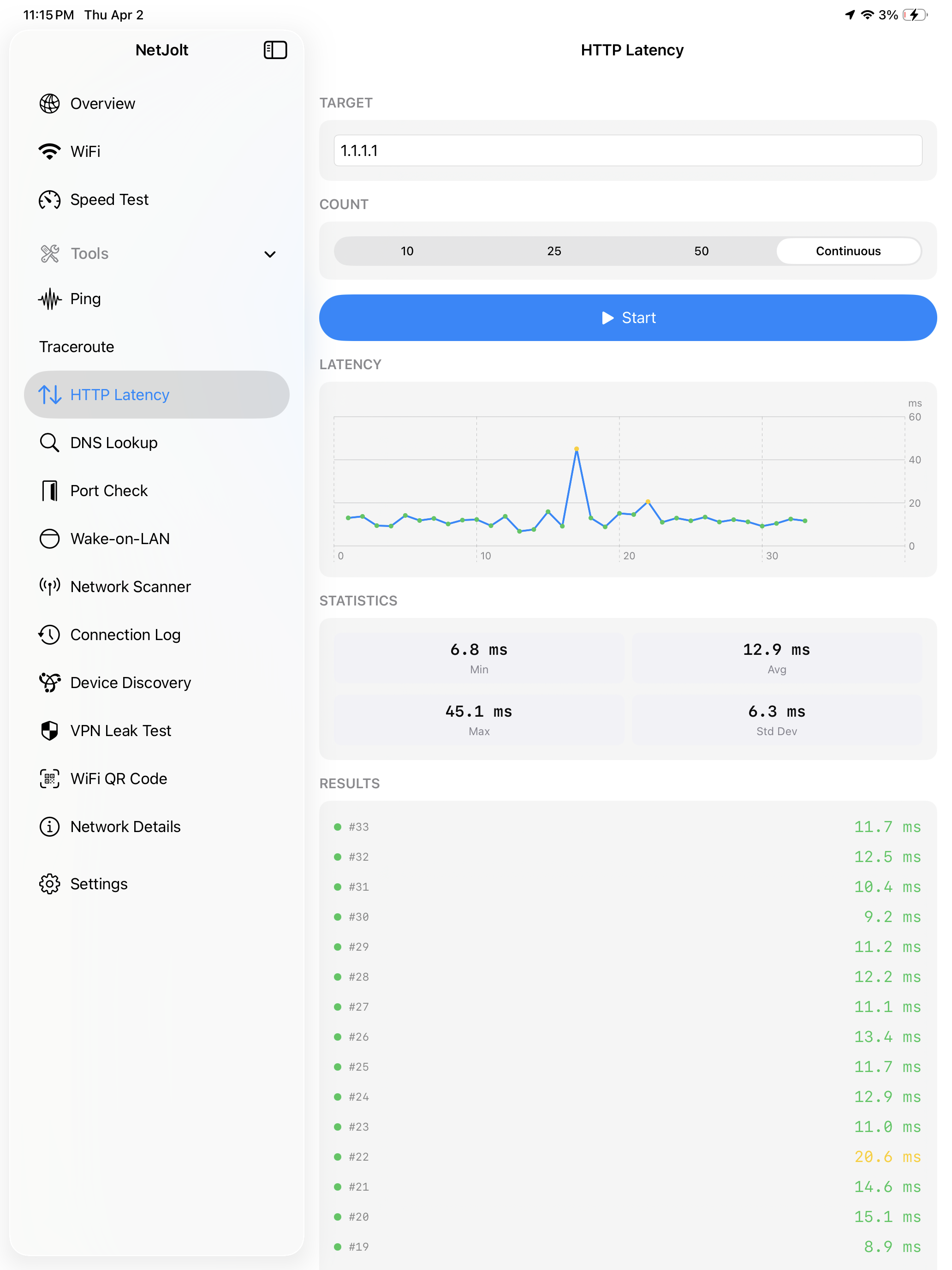
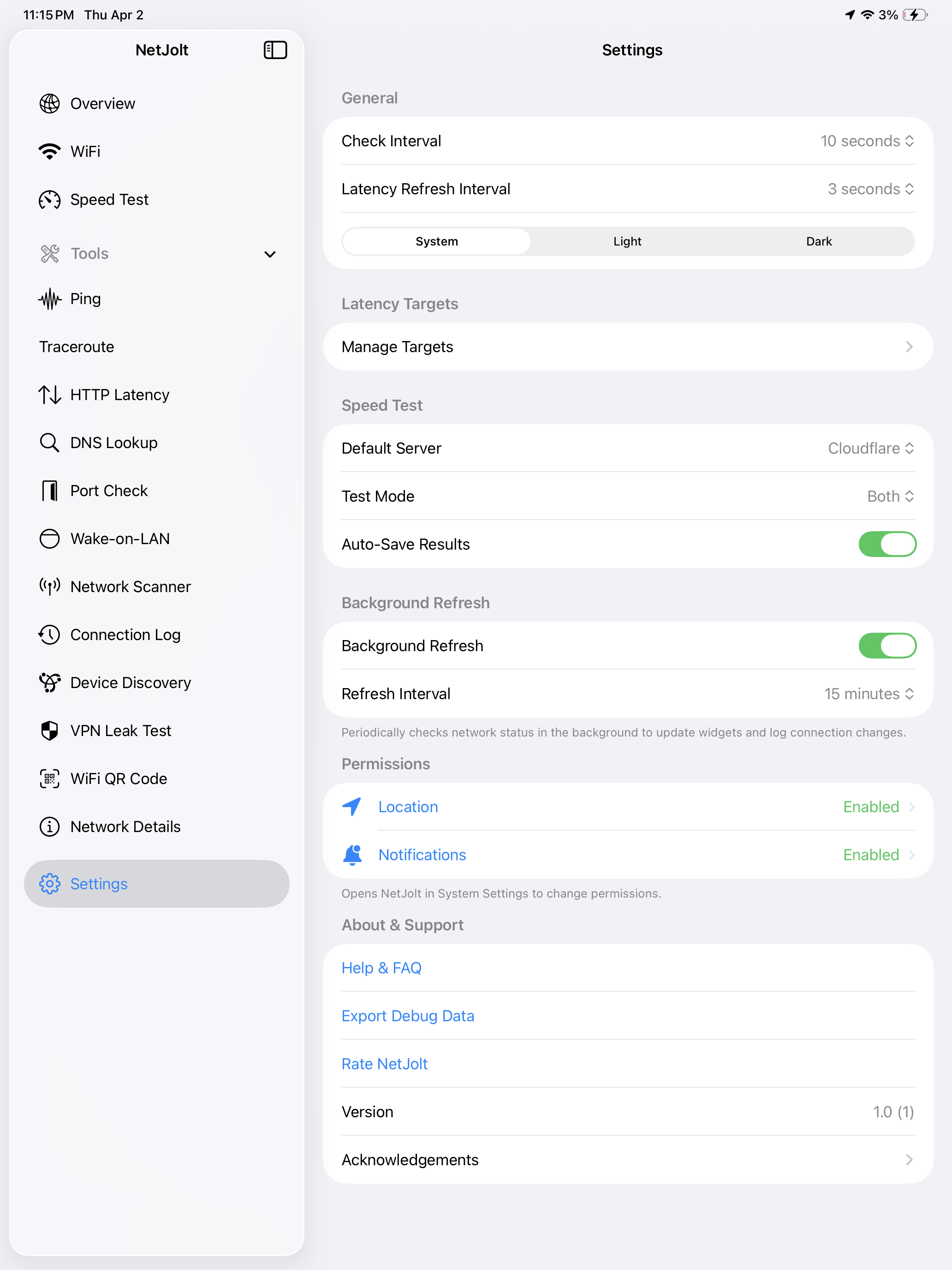
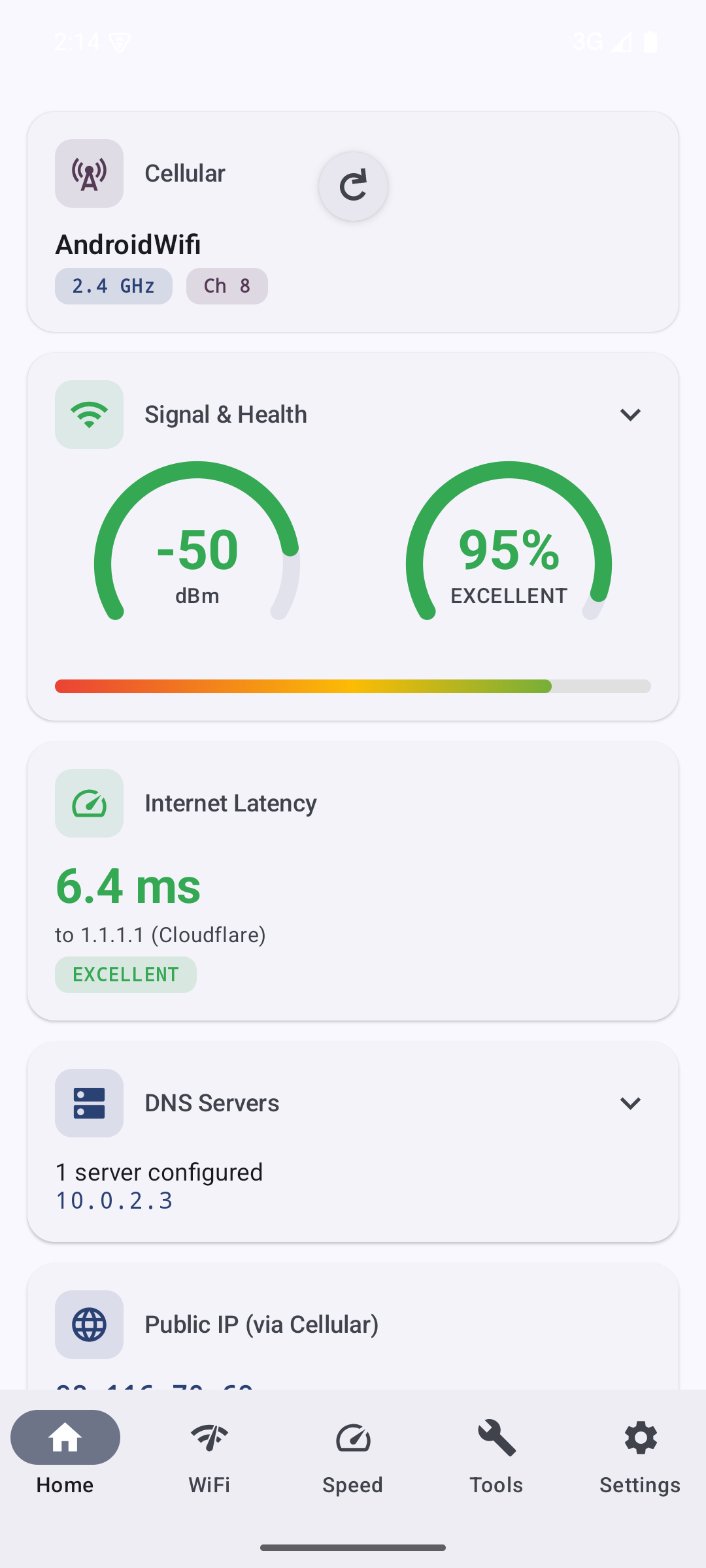
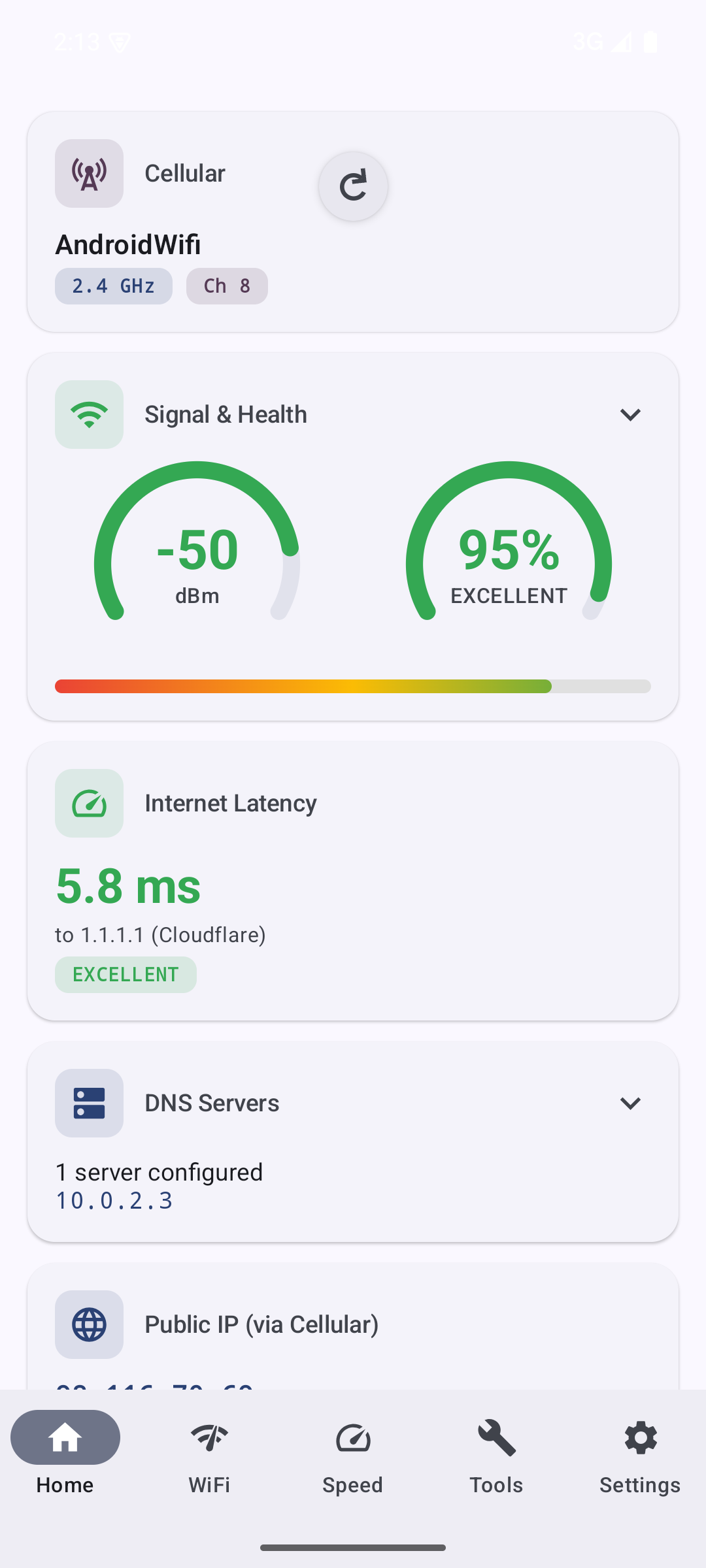
Instant insight into your network health across all your devices.
Features
NetJolt gives you the network visibility you need without the complexity you don't.
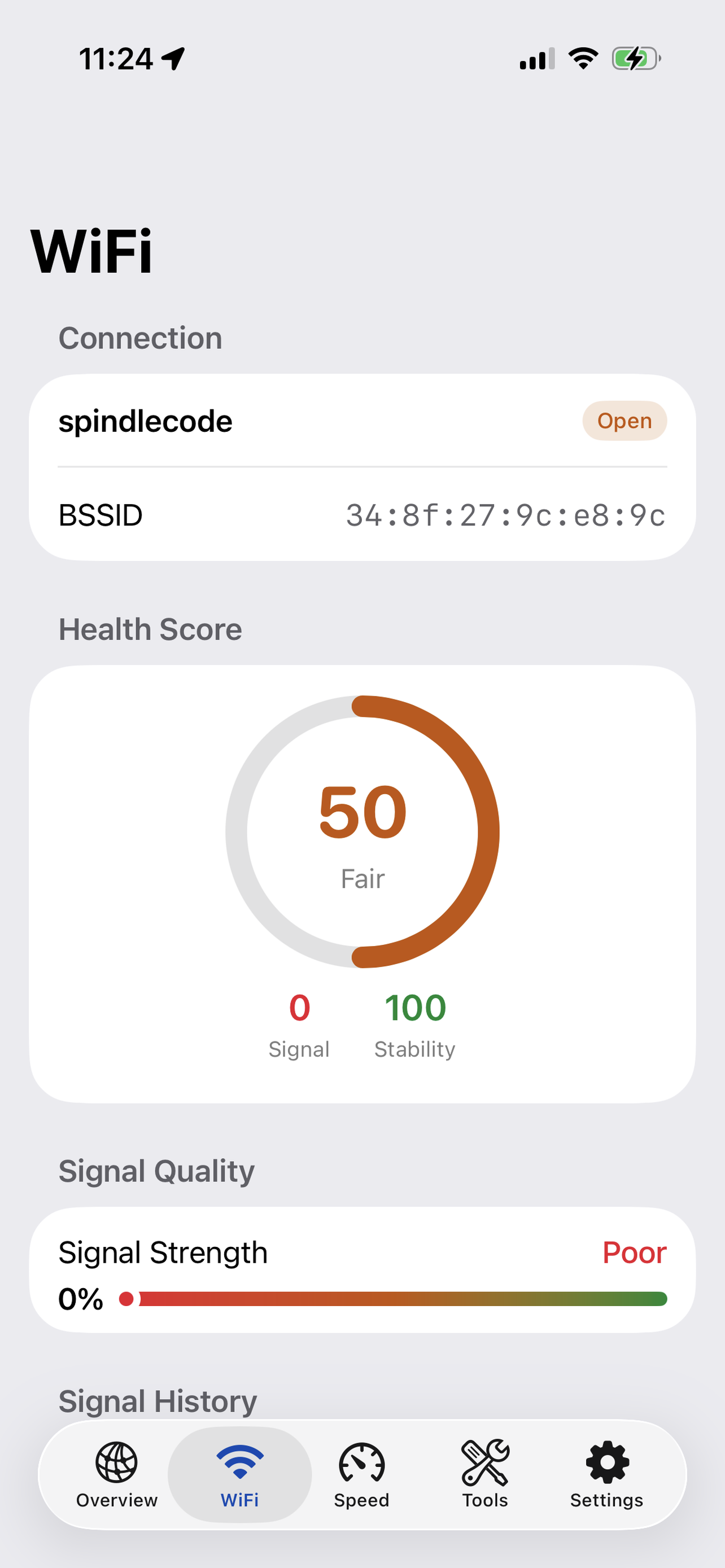
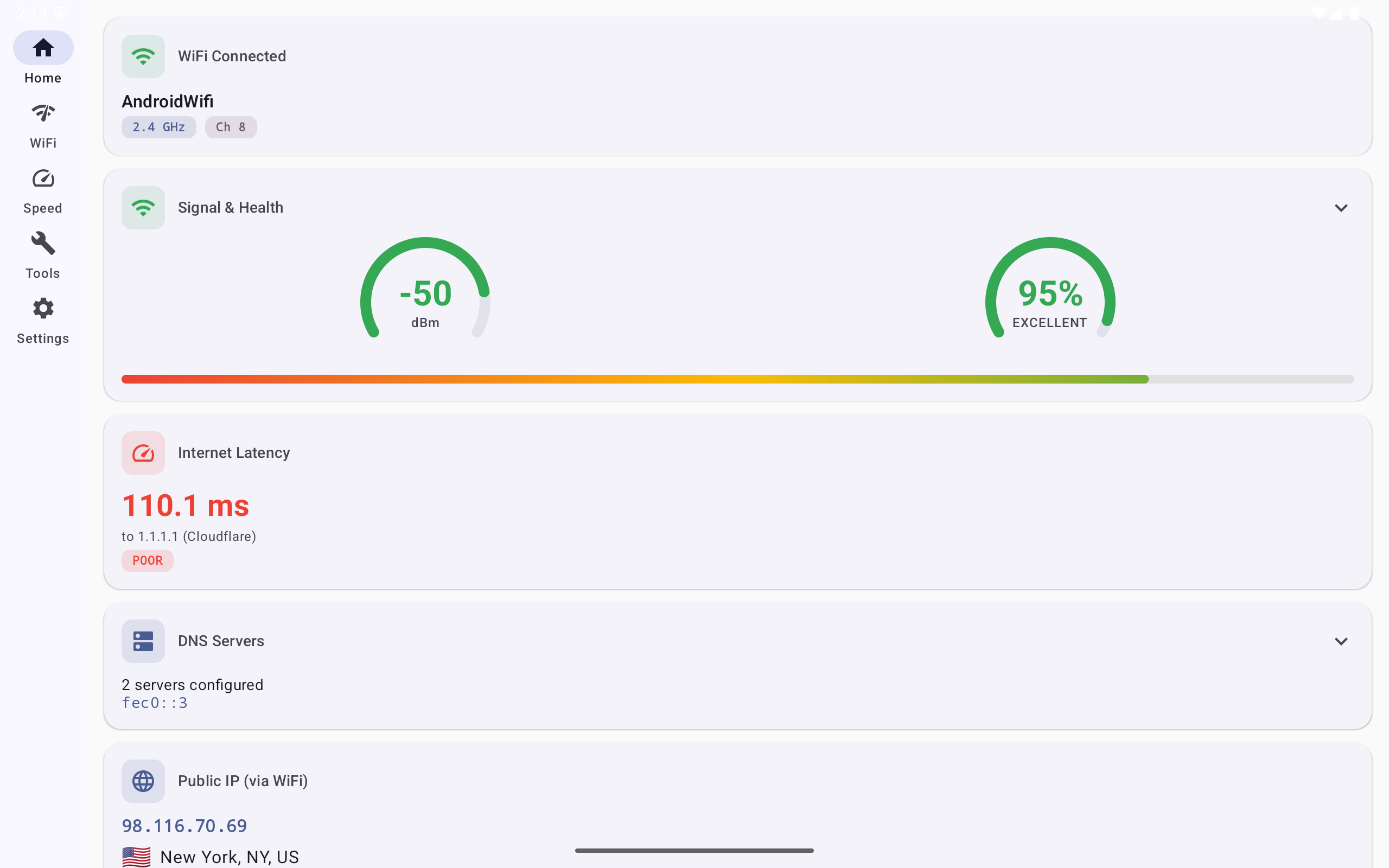
Real-time signal strength, stability scores, and WiFi health grades at a glance from your menu bar.
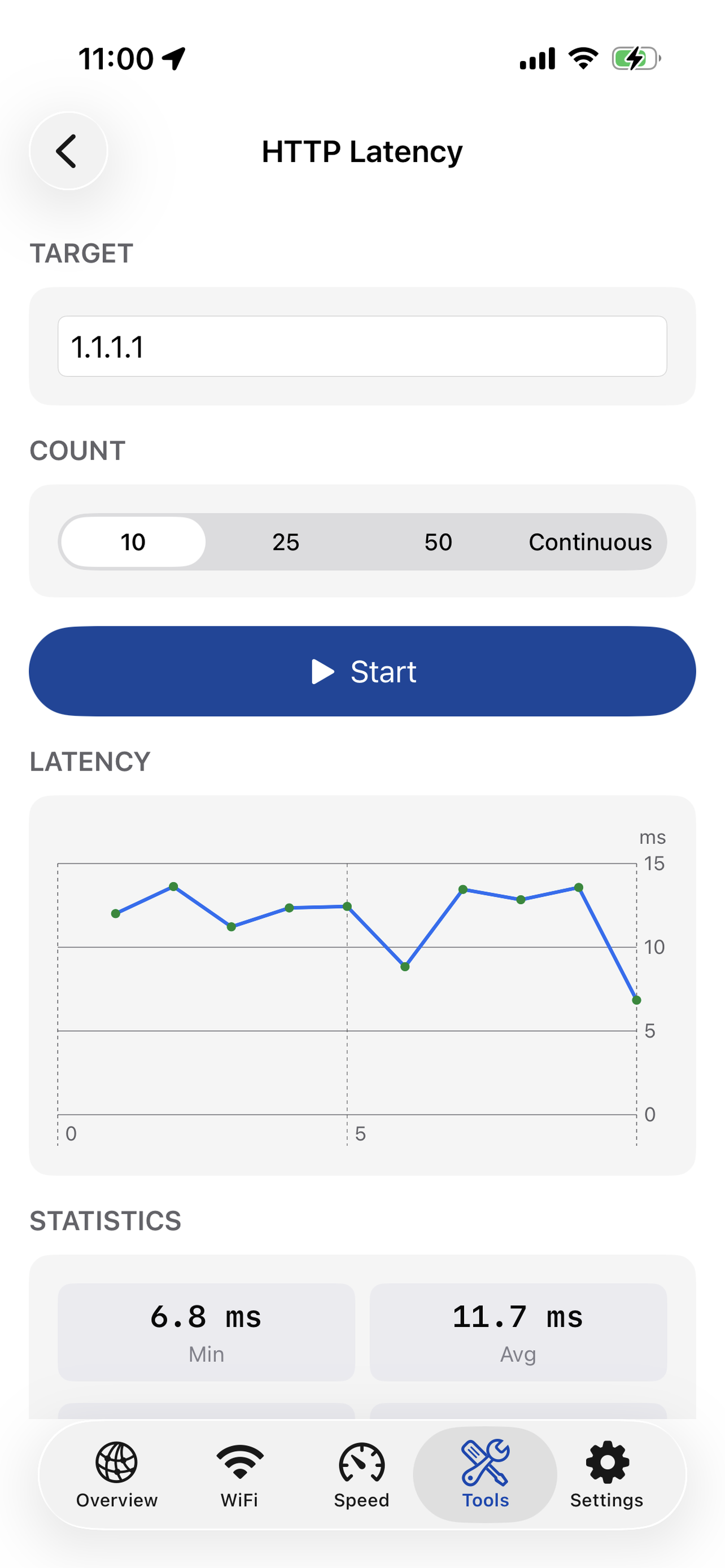
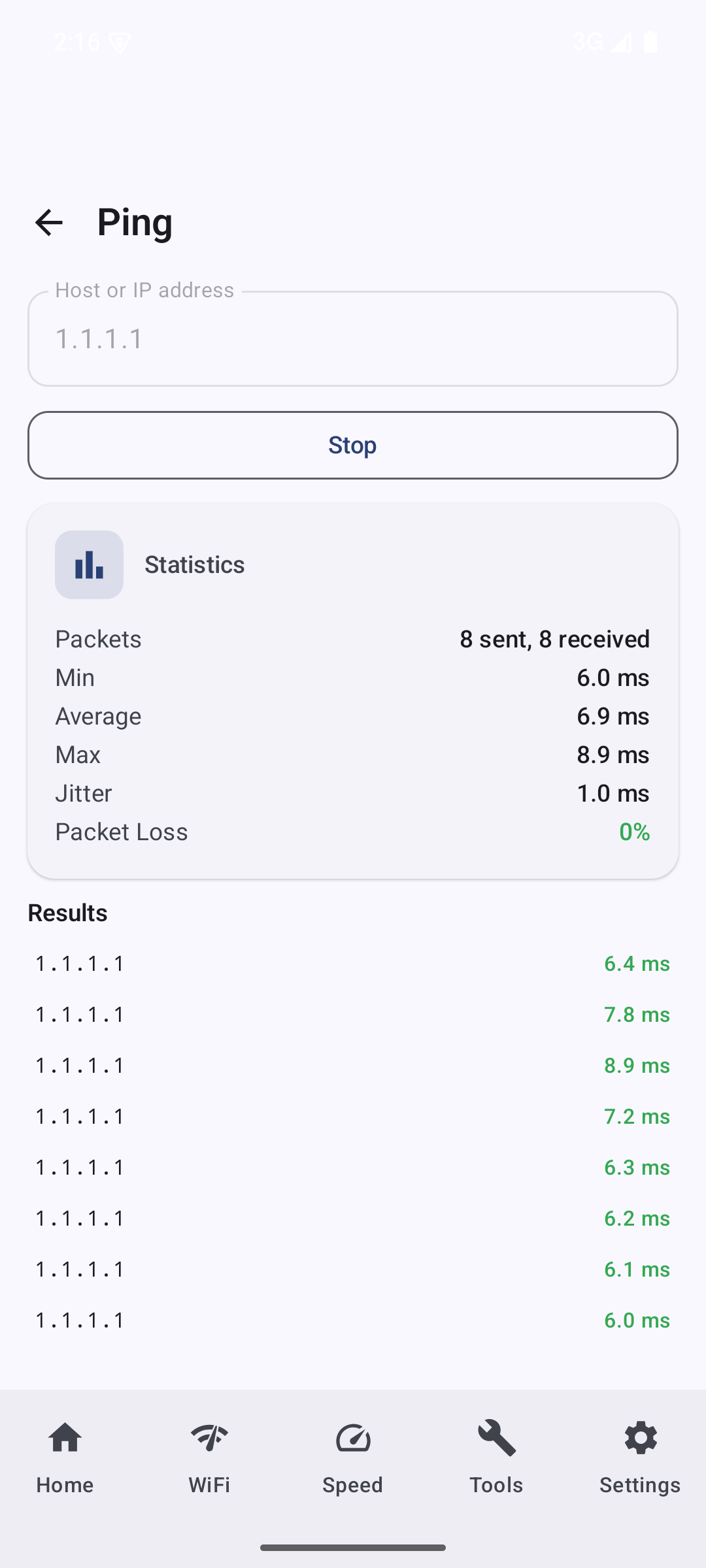
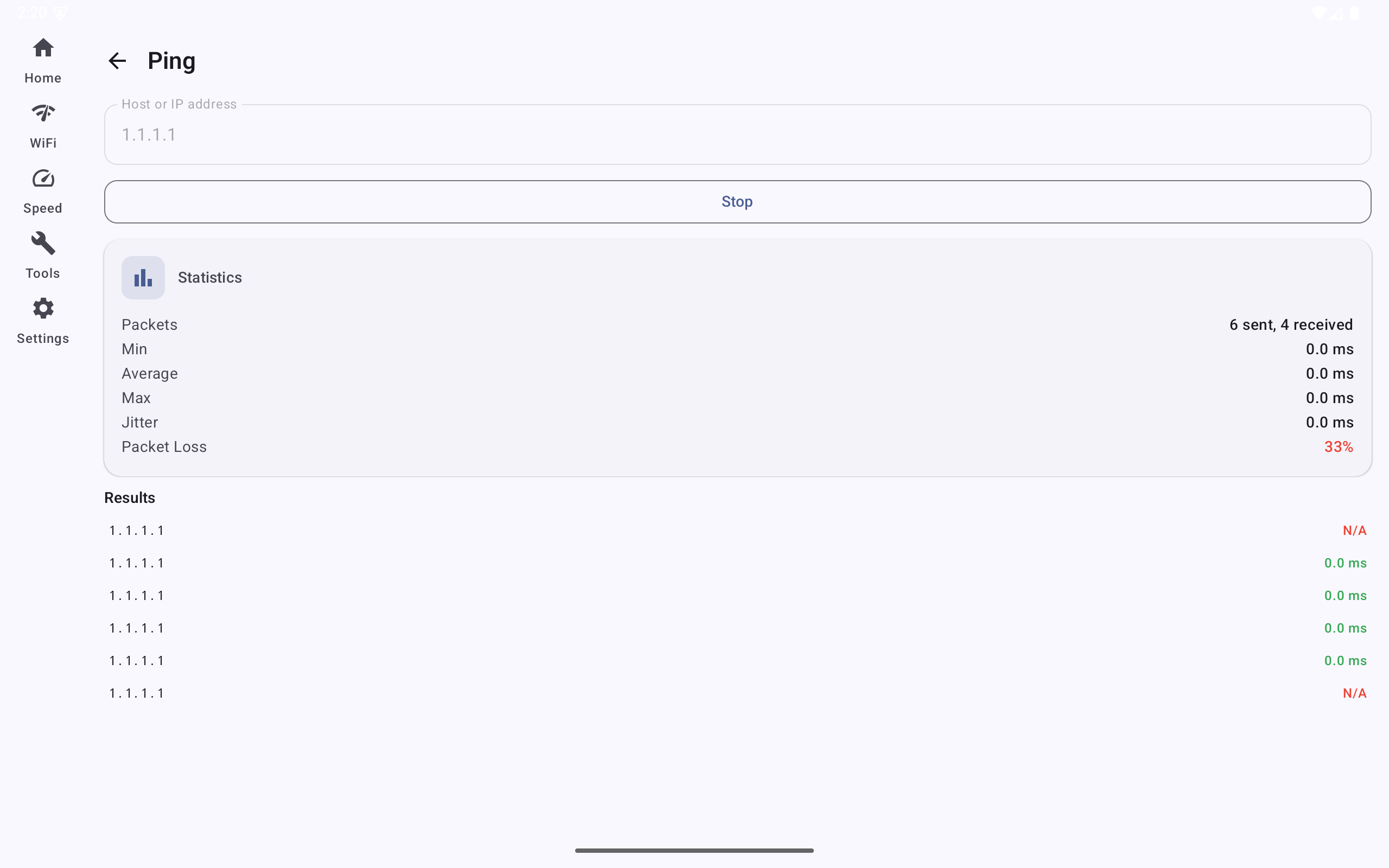
Monitor ping latency to your gateway, Cloudflare, and custom servers with live sparkline charts.
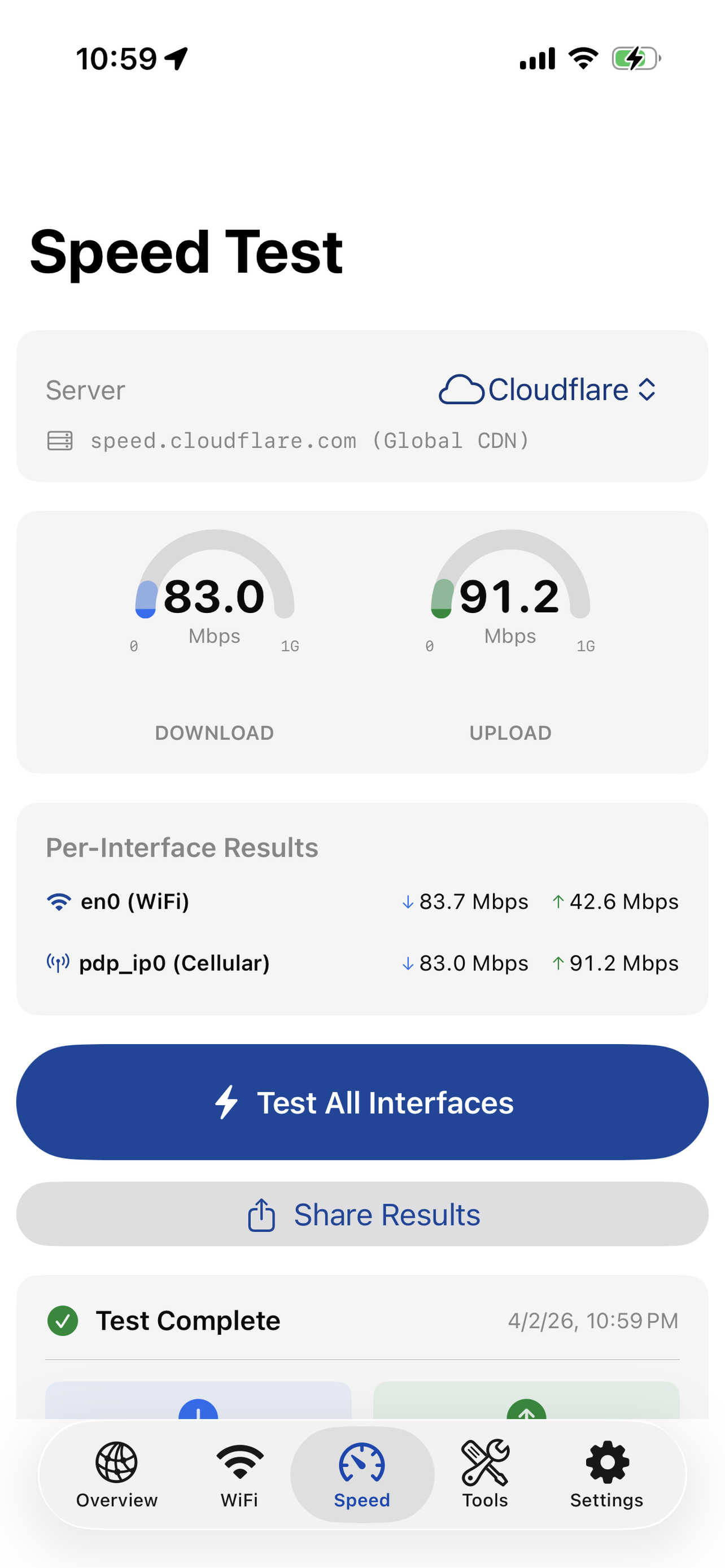
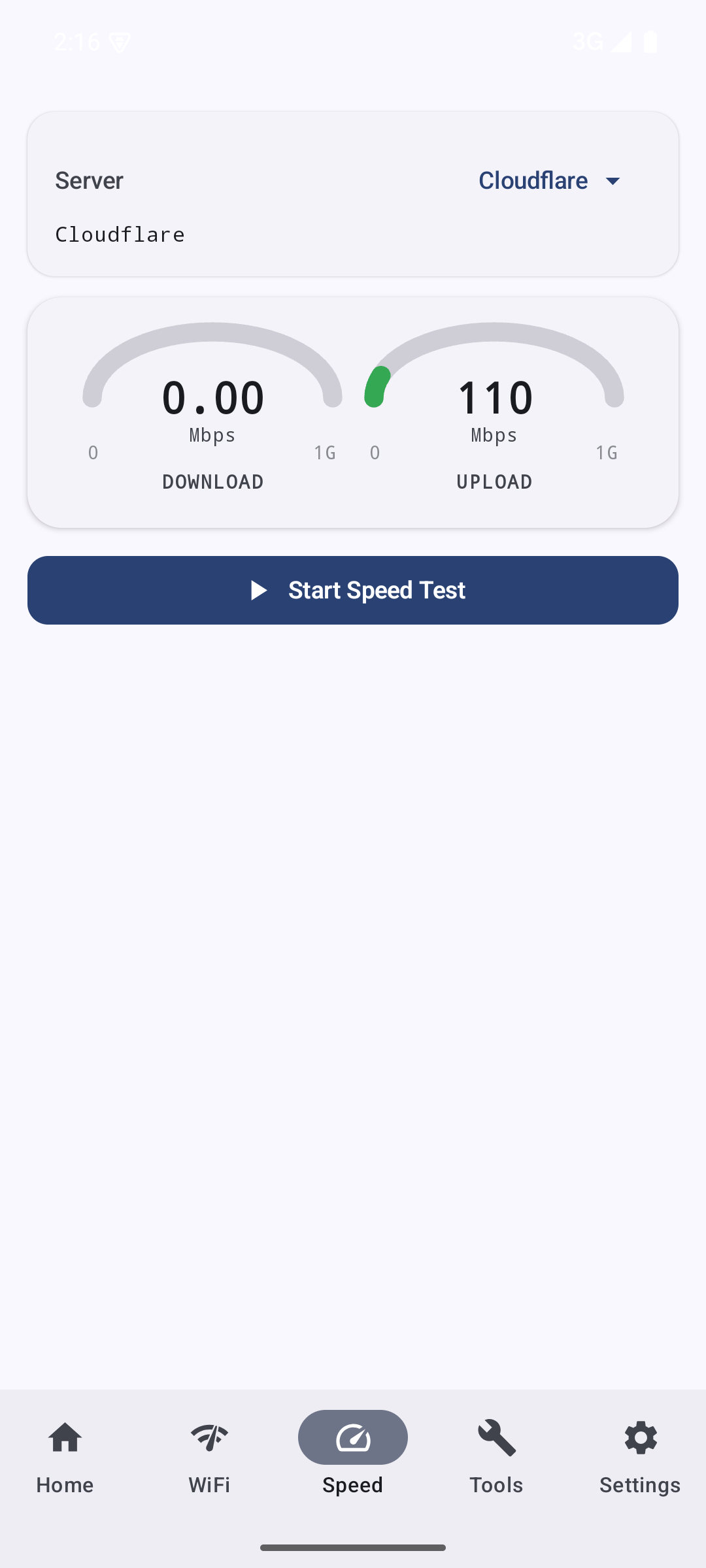
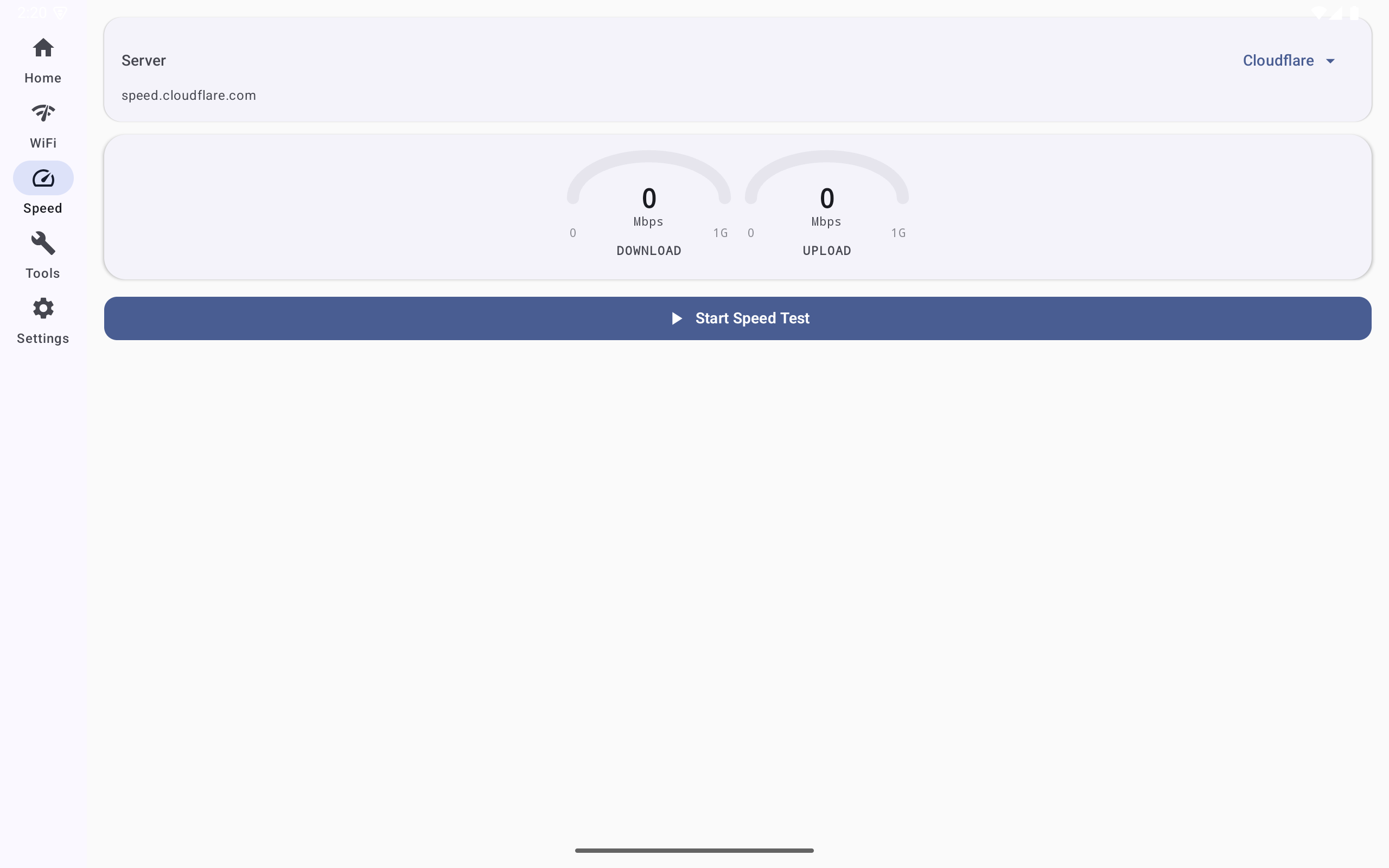
Run download and upload speed tests without leaving your menu bar. Track results over time.
Track DNS server latency and identify resolution bottlenecks slowing your browsing.
See which WiFi channels are congested and get recommendations for the least crowded ones.
Built with Swift and SwiftUI. Sits quietly in your menu bar using minimal CPU and memory.
Follows your system appearance preference or choose your own. Looks great in both dark and light mode.
Detects active VPNs and Tailscale tunnels, identifies your exit node, and compares tunneled latency against your raw connection.
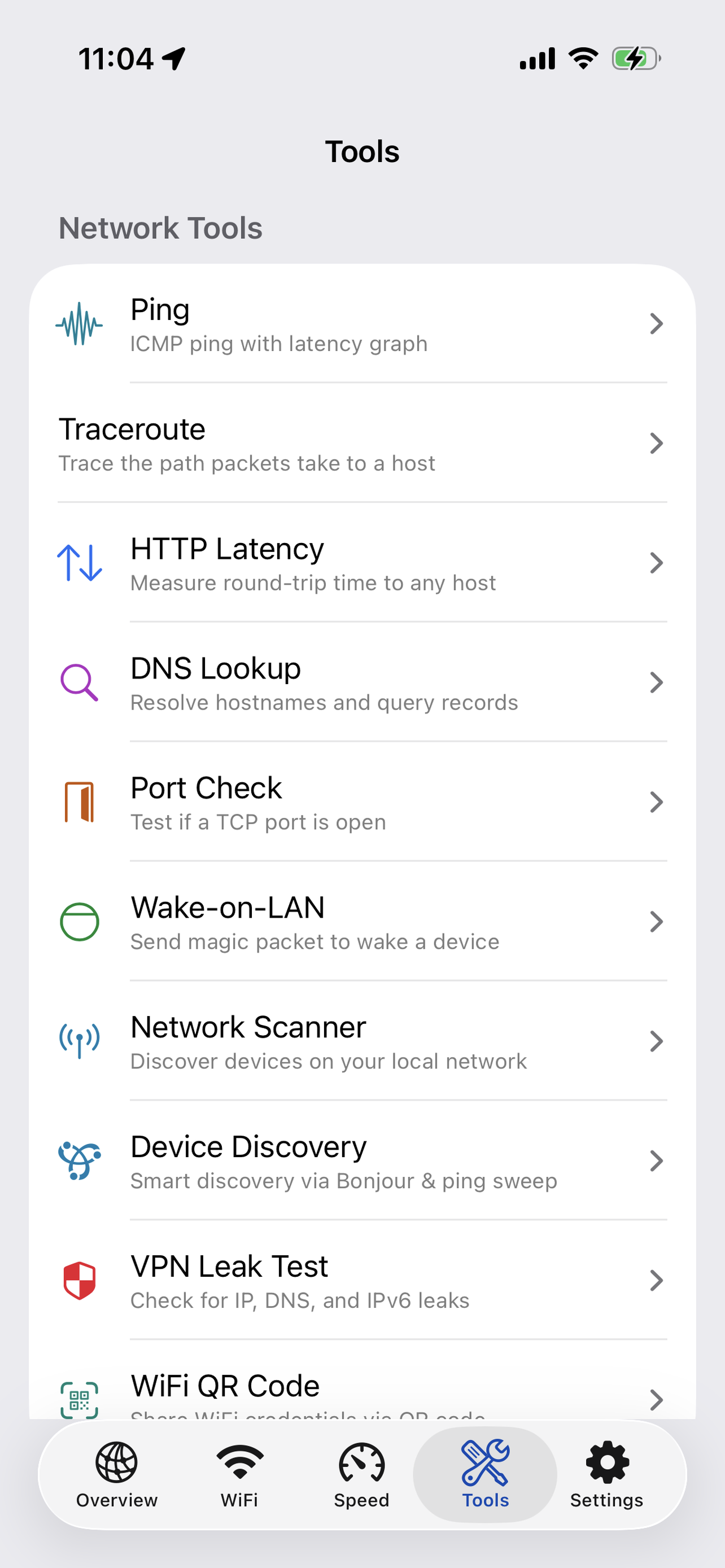
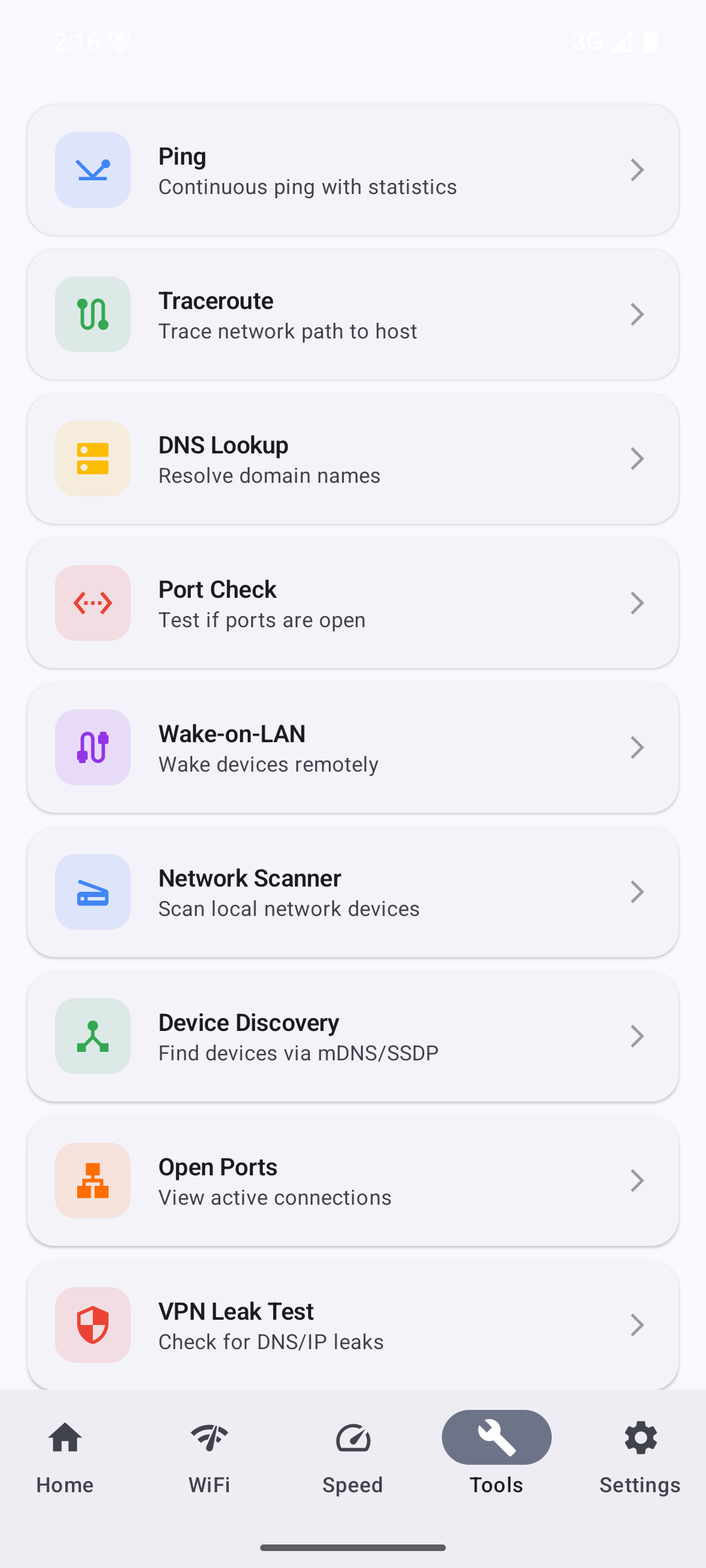
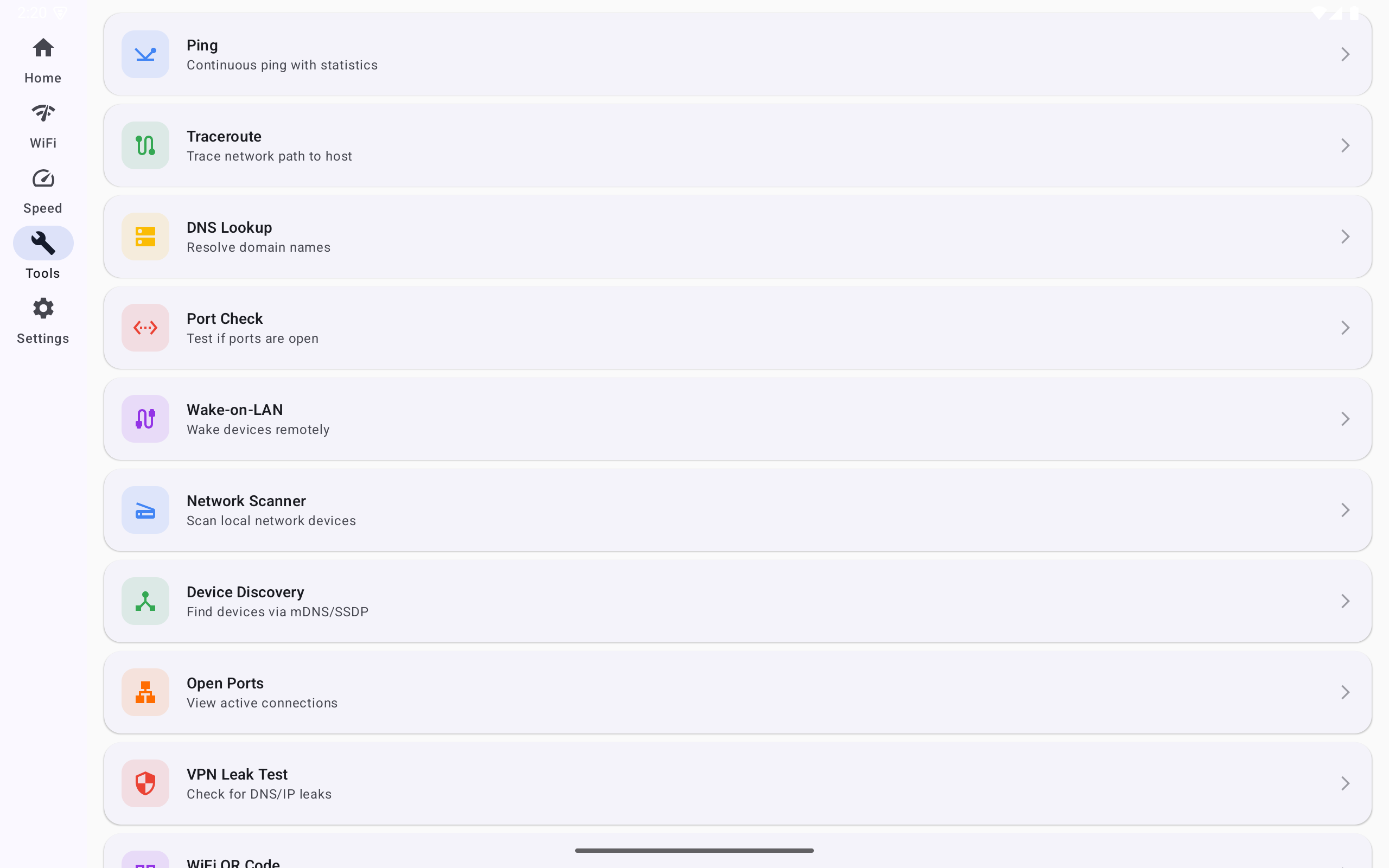
One-click traceroute, port checks, and MTU tests to pinpoint exactly where traffic breaks between you and the destination.
New in NetJolt for macOS 0.8.0
Wifi that says connected but has no internet. A device on your network you do not recognise. A connection that is slow and you do not know why. These tools are in NetJolt for macOS 0.8.0. The iOS and Android versions are coming soon.
Hotel wifi won't connect? Airport wifi login page never shows up? Find out whether you are online or stuck behind a sign-in page, then open it. Available now on macOS; iOS and Android coming soon.
Coming soonAvailable now
Who is connected to my wifi? See every device, name the ones you know, and get an alert when an unknown device joins your network. Available now on macOS; iOS and Android coming soon.
Coming soonAvailable now
Why is my wifi slow? Why is my video call bad? Get a plain-English diagnosis from your own AI endpoint, a shareable prompt, or an offline rules engine. Available now on macOS; iOS and Android coming soon.
Coming soonAvailable now
A traceroute that keeps running, with live loss and latency for every hop, to catch the flaky link between you and a destination.
Coming soonAvailable now
Registrar, expiry dates, nameservers and abuse contacts for a domain, plus network and ASN details for an IP address.
Coming soonAvailable now
Inspect any host's certificate chain, check how many days are left, and spot self-signed or expired certificates.
Coming soonAvailable now
Also new on macOS: a subnet calculator, NTP time check, HTTP header inspector, IPv4/IPv6 toggles, an ARP table viewer, a health timeline with trends and alerts, and an SNMP browser, per-process bandwidth, packet capture and SYN, ICMP and OS-fingerprint scans. These are not yet in the released iOS and Android apps; each tool's page lists exactly what runs where.
Requirements
Ventura or later
iPhone & iPad
Oreo or later
Swift & Kotlin
All data stays local
Download
Free to download. Available for macOS, iOS, and Android.
macOS: Open the DMG, drag NetJolt to Applications, and launch from your menu bar.
iOS: Install from the App Store.
Android: Install from the Play Store.
Support
If you have questions, feedback, or need assistance with NetJolt, we're here to help. Reach out through our contact page and we'll get back to you as soon as possible.